


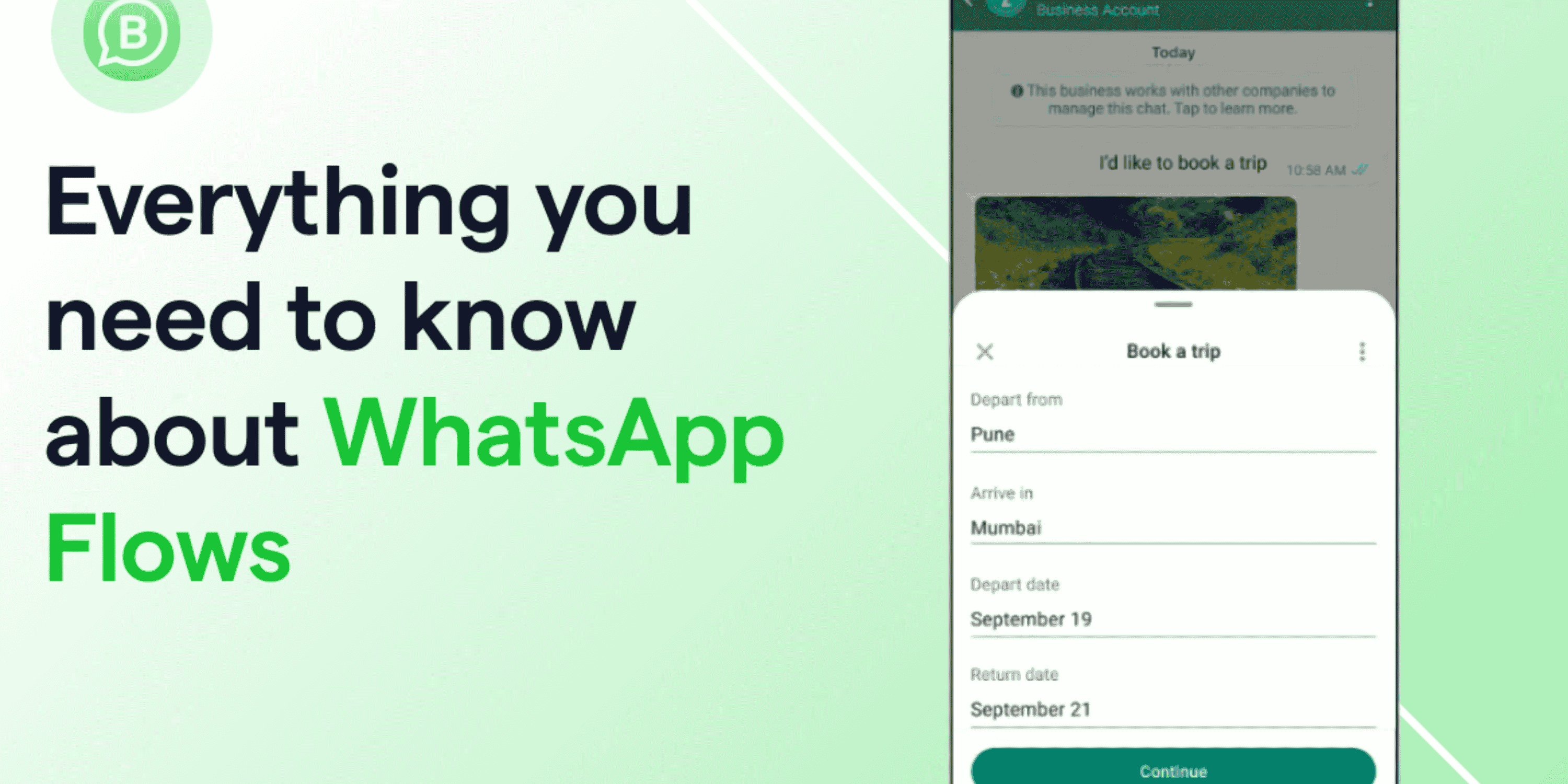
WhatsApp Flows turn chats into action. No links. No redirects. No waiting.
In 2026, WhatsApp Flows are one of the most powerful WhatsApp conversion tools. Businesses using the WhatsApp Business API rely on them for lead generation, bookings, surveys, and automation. Everything happens inside the chat. Simple. Fast. Direct.
What Are WhatsApp Flows?
WhatsApp Flows are guided steps inside a chat.
Think of them like a small form. But built into WhatsApp.
They are structured. Clear. Easy to follow.
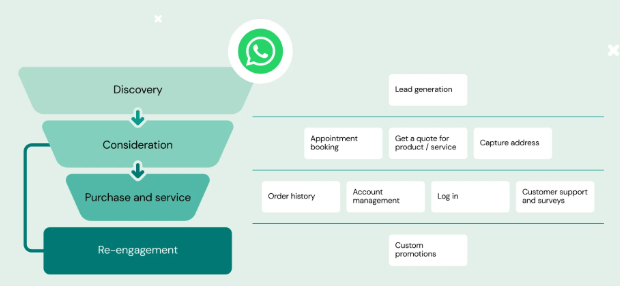
With WhatsApp forms inside chat, users can:
- Select options
- Enter details
- Choose dates
- Submit forms
All without leaving the app. That matters. Every redirect loses attention.
WhatsApp Flows only work with the WhatsApp Business Platform. You need the WhatsApp Business API or Cloud API. They do not work in the regular WhatsApp Business app.
If you plan to use WhatsApp automation, API access is the first step. No API, no Flows.
If you are new, read What Is WhatsApp Business API? A Beginner’s Guide for 2025
Why WhatsApp Flows Convert Better
Because fewer steps win. Each extra click lowers completion. It is like asking someone to walk to another room just to answer one question. Most people will not bother.
Website forms load. They stall. They distract.
WhatsApp Flows keep users inside a space they trust. Inside a chat they check daily.
That is why they boost WhatsApp lead generation and WhatsApp bookings.
Here is what improves conversion:
- No loading delay
- No external page
- Step by step guidance
- Instant next action
- Higher reply rates
Chat feels natural. Like texting a friend. That comfort increases action.
Source: Meta Business Messaging documentation
What You Can Build Using WhatsApp Flows
WhatsApp Flows are flexible.
You can build:
- WhatsApp lead capture forms
- WhatsApp booking systems
- WhatsApp surveys
- Order flows
- Feedback forms
All inside one conversation. You can trigger a Flow with a button. After an ad click. After a support reply. After a product question.
Connect it with WhatsApp marketing automation and it becomes a full funnel.
User enters chat. Flow collects data. Automation routes the lead.
Clean system. Clear path.
12 High Converting WhatsApp Flow Use Cases
Collect name and contact details. Perfect for WhatsApp lead generation campaigns.
Appointment Booking
Let users pick a date. No endless back and forth.
Event Registration
Register inside chat. Send instant confirmation.
Product Inquiry Forms
Ask what they want. Route using WhatsApp automation.
Service Qualification
Collect budget and needs. Focus on serious buyers.
Customer Surveys
Send short WhatsApp surveys. Keep it under five questions.
Order Placement
Choose items. Confirm in chat.
Abandoned Lead Follow Ups
Reopen incomplete flows. Send one simple reminder.
Feedback Collection
Ask for ratings. Higher response than email.
Loan or Application Forms
Collect basic info first. Move qualified users forward.
Customer Onboarding
Ask setup questions early. Reduce future support issues.
Internal Team Requests
Use WhatsApp chat flows internally. Approve faster. Act quicker.
WhatsApp Flows vs Website Forms
Website forms:
- Slow loading
- High drop-off
- Low engagement
WhatsApp Flotrust
- Instant load
- High replies
- More trust
- Integrated with WhatsApp automation
What You Need to Use WhatsApp Flows
You need:
- WhatsApp Business API or Cloud API
- A verified WhatsApp Business Account
- Setup inside WhatsApp Manager
- Approved templates
- A simple automation plan
Remember this. WhatsApp pricing is conversation based. Plan your WhatsApp marketing budget around message volume.
Strategy first. Volume second. Start here
Common Mistakes to Avoid
You must avoid:
- Too many questions
- Long forms
- Confusing language
- No automation follow up
Keep each Flow focused on one goal.
More mistakes that reduce results:
- Asking for sensitive data too soon
- No confirmation message
- No human support option
- Not testing on slower phones
Make the first step easy. Name, need and one choice. That is enough to start.
Are WhatsApp Flows Safe to Use?
Yes. When set up correctly. WhatsApp Flows follow Meta business messaging policies.
Consumer chats use end to end encryption. Businesses must secure stored data on their own systems. Proper API setup protects user information.
When configured well, WhatsApp Flows are safe for lead collection, bookings, and surveys.
Security builds trust. Trust builds action.
Avoid these mistakes to not get WhatsApp accounts banned
Final Thoughts
WhatsApp Flows change how businesses convert.
They reduce friction. Increase completion. Strengthen WhatsApp marketing automation.
In 2026, combining WhatsApp Flows with the WhatsApp Business API creates a high converting chat funnel. Explore more guides here.